
Print 4 Shipping Labels per A4 Sheet: Step by Step
21 Nov 2026 · 2 min read
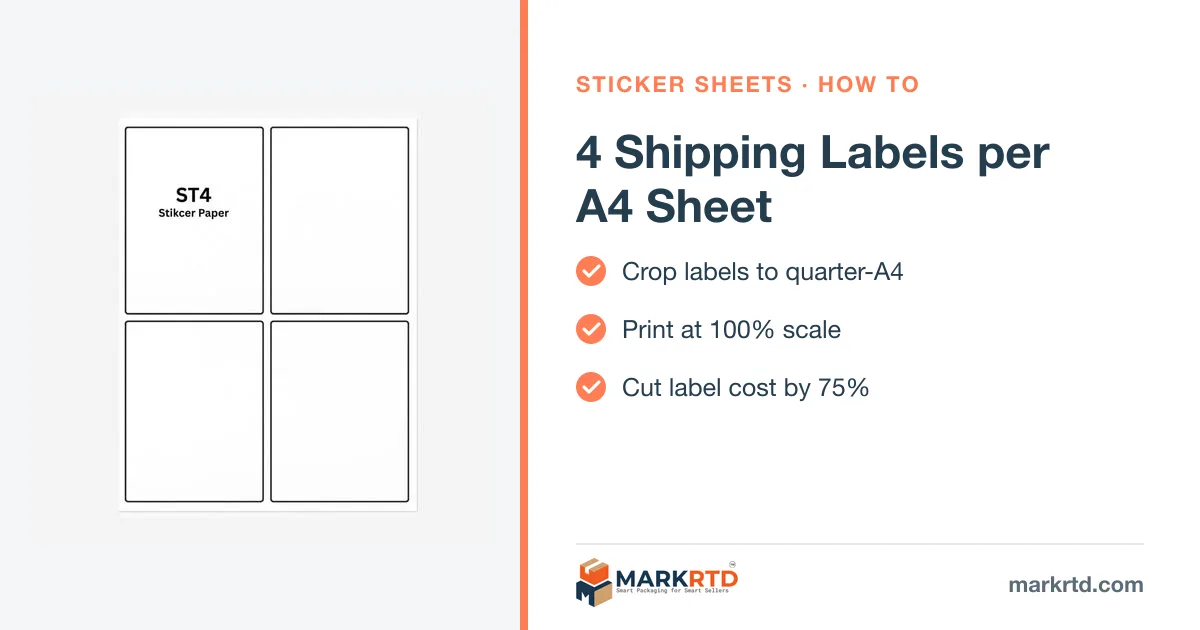
In short: Crop your marketplace label PDF with a free label cropper set to 4 per A4, print at 100% scale on a 4-up A4 sticker sheet, then peel each label. It turns one sheet into four ready labels without a thermal printer.
Steps
- Download labels from the seller panel.
- Crop with the label cropper, set 4 per A4.
- Print at 100%, "actual size".
- Peel and stick on a flat face.
With invoice
Need the invoice too? Use Amazon label with invoice or Meesho label with invoice.
More on markrtd.com: Print 4 Shipping Labels per A4 Sheet.
Free tools for this
Shop the packaging on markrtd.com
Questions sellers ask
How many labels fit on A4?
Four standard shipping labels.
What scale should I print?
100% / actual size.
Do I need a thermal printer?
No, any laser or inkjet works.