
4x6 Label Roll: Print Marketplace Labels Perfectly
14 Nov 2026 · 2 min read
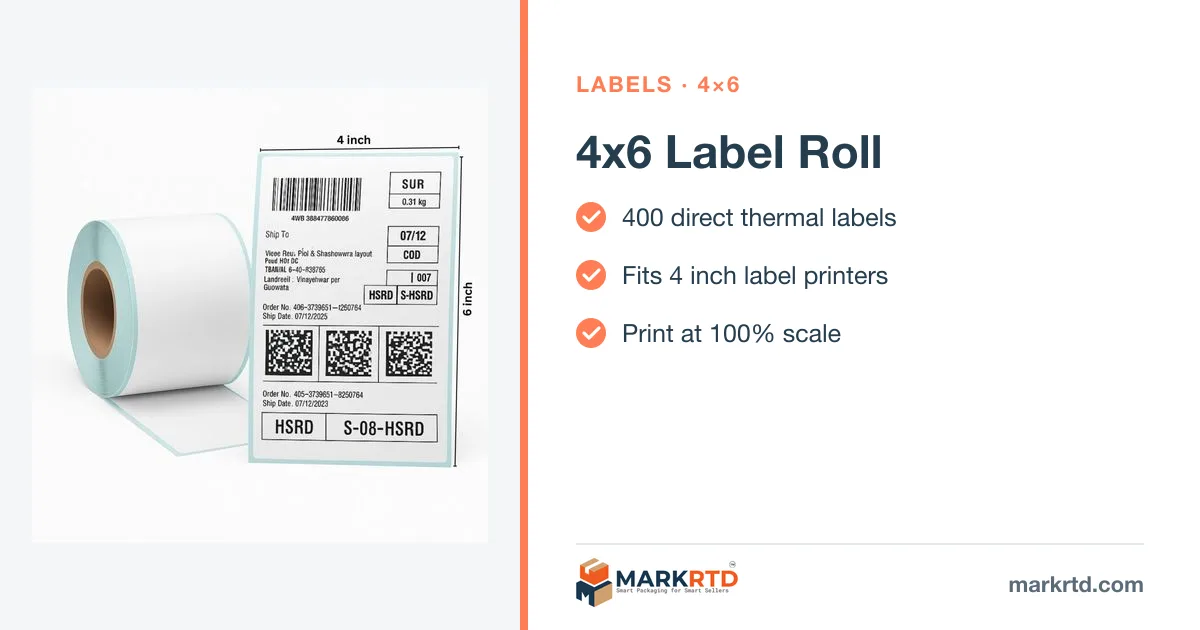
In short: Crop each marketplace label to 4×6 with a free cropper, set the printer paper size to 4×6 inch (100×150 mm), print at 100% scale, adjust darkness so bars are crisp, and scan the first label before printing the batch.
Steps
- Crop the label PDF: Amazon, Flipkart, Meesho.
- Printer paper: 4×6 inch / 100×150 mm.
- Scale: 100%.
- Darkness: crisp, not smudged.
- Scan the first label.
Roll basics
400 labels per roll, direct thermal, no ink.
More on markrtd.com: 4x6 Label Roll.
Free tools for this
Shop the packaging on markrtd.com
Questions sellers ask
How do I print marketplace labels on 4x6?
Crop to 4×6, set the paper size and print at 100%.
How many labels per roll?
400.
Do I need ink?
No, they’re direct thermal.